Manual Backups vs. Git: Why the Old Way Fails.
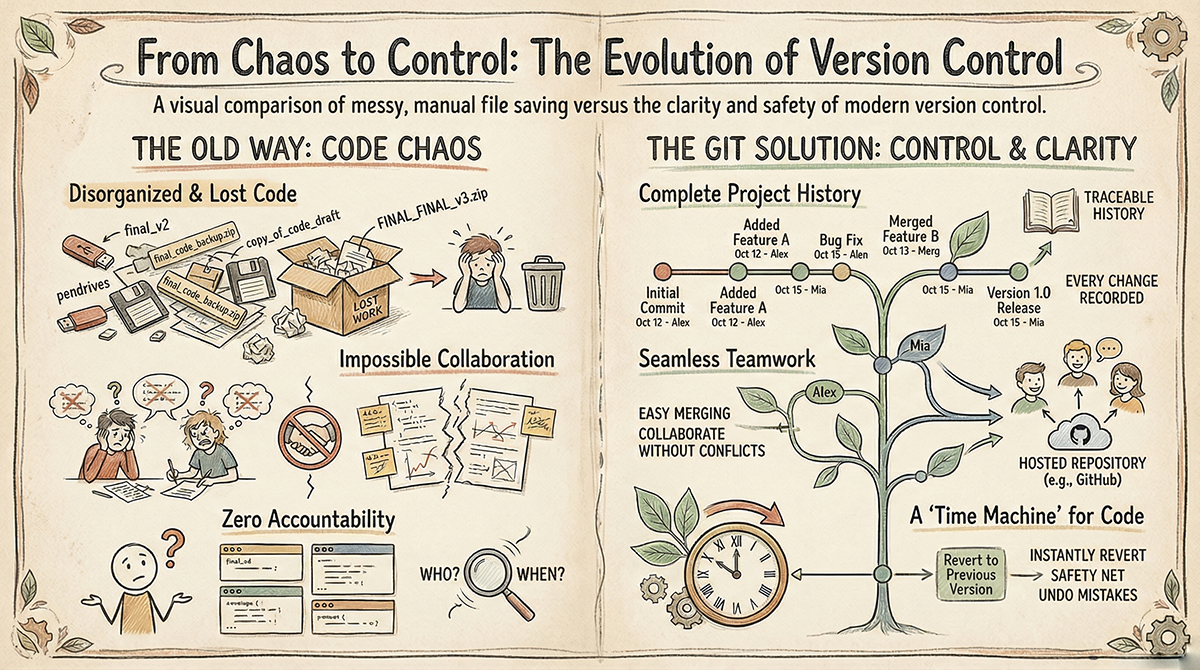
Back in the early days, developers stored their code on local machines, random folders, and external pendrives they could find. Every small bug fix or improvement meant creating a new folder called something like final, final_v2, or the legendary Final_Latest.
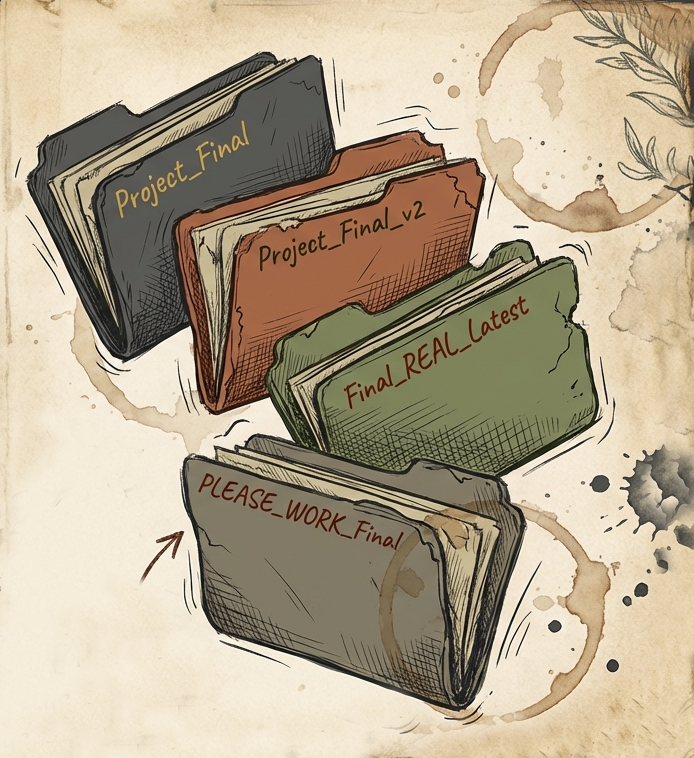
It sounds funny now, but be honest, we’ve all done this. And even after all that effort, half the time no one actually knew which version was the latest. Programming was harder back then. There were no AI assistants, no Stack Overflow to save you, and collaboration tools were nonexistent. Now imagine handling all of this while still trying to manage your code versions manually. Frustrating, right?
The result? Pure chaos. Files everywhere, zero clarity, and sometimes the worst nightmare of all, the pen drive with the latest code just… disappeared along with the days of work.
This pendrive approach of keeping the latest copy of the code didn’t work well, let's say two people are working on a project. Person A wrote the initial code and shared the code on a pendrive with Person B. Now Person B wants to add a new feature to the existing code shared by A. So, in the current scenario, both of them have the latest copy of the code. In the meantime, Person B was adding the new feature, and Person A found a bug in his code, so he did some fixing on his copy of the code. By then, Person B completed adding the new feature.
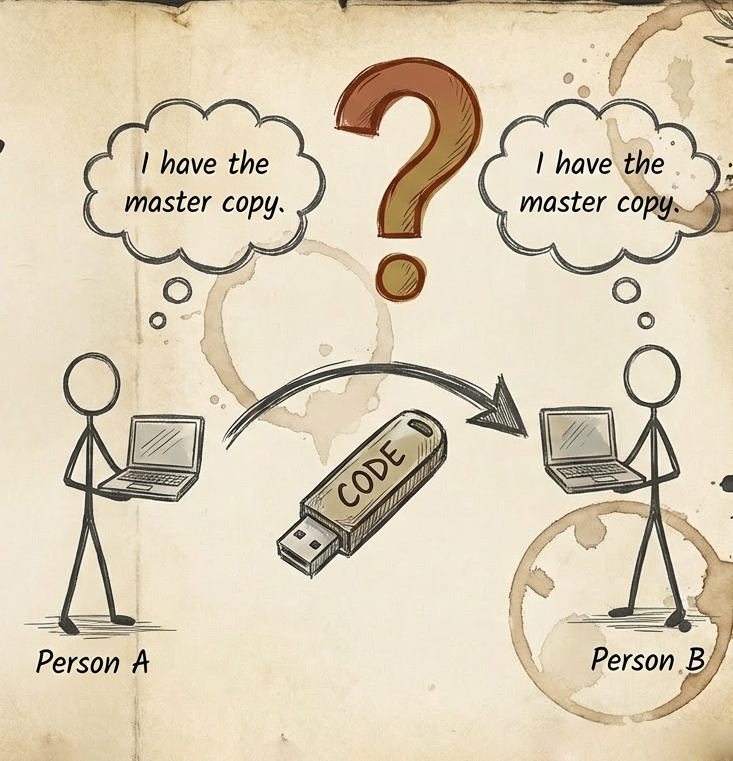
Now, as you can see, Person A can’t use Person B’s code without overwriting their own bug fixes. This is a classic Merge Conflict. Without tools, they have no way to combine their work efficiently.
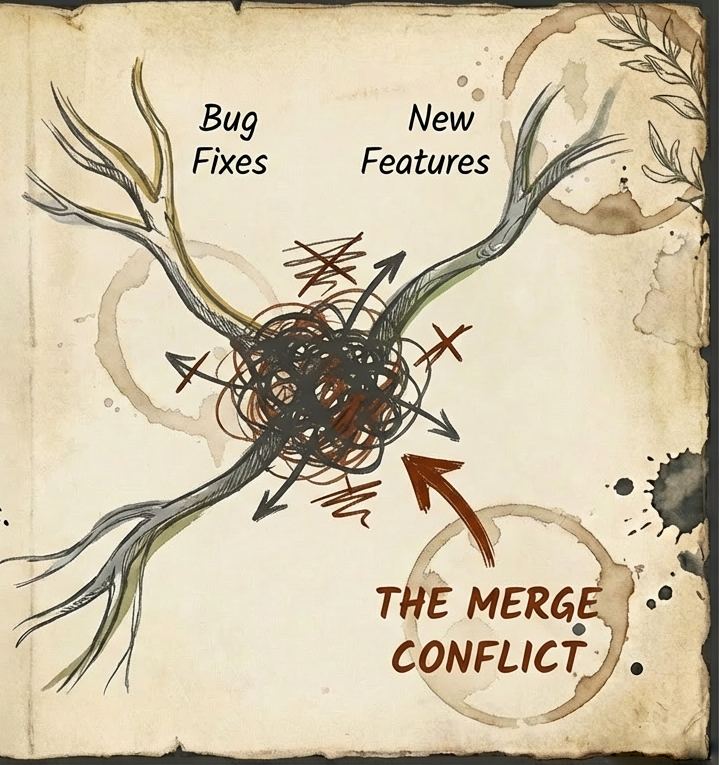
The story doesn’t end here. Let’s say in the future if a bug appears, there is not way to figure out who wrote that specific line of code. Accountability is zero here.
Enter Git: The Time Machine for Code
It was tough to work with the manual approach of saving and sharing the code. That is why modern developers use Git and GitHub. Git is a Version Control System that tracks the history of your code. It records every change made to the codebase, and you can fully track the evolution of the project. You can add your comments for each piece of code you add, changes made, or updates performed. In the future, you can identify them using that message. With the help of simple git commands, you can see your entire change history and the current status of your project.
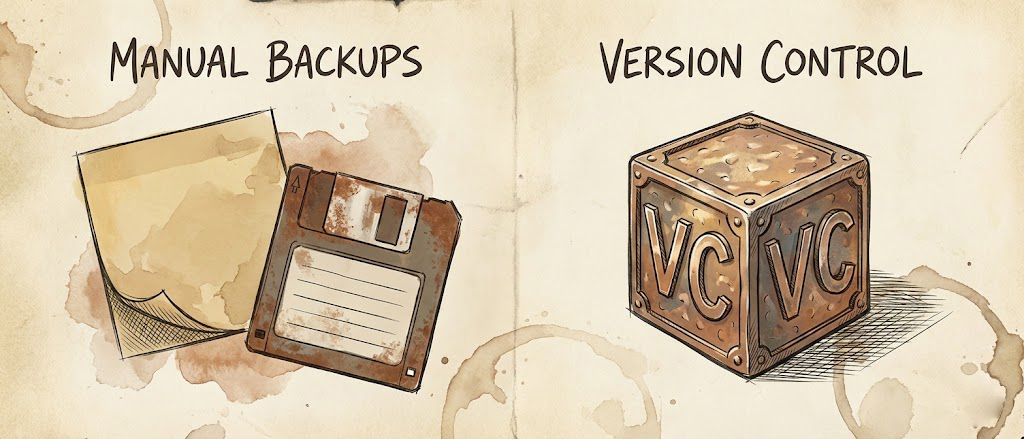
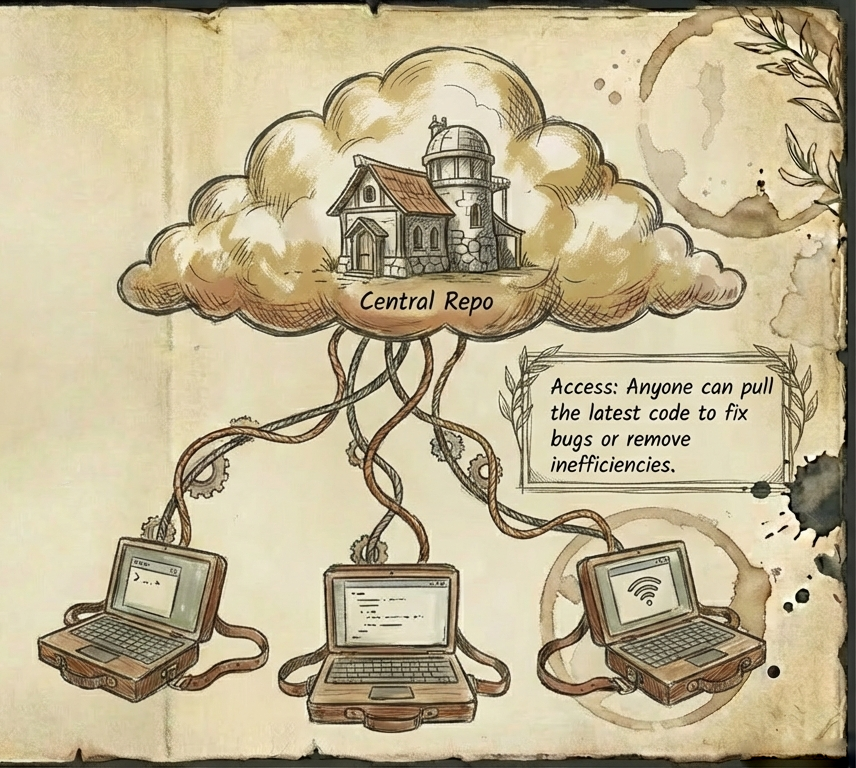
If you made any mistake that is causing your application to crash, then you can rollback to the previous commit version of your project easily. To solve the collaboration issue, we can host this git project on any Git Hosting Service. There are a lot of them available over the internet; some of the popular ones are GitHub, Bitbucket, GitLab, etc. Once your git project is hosted, multiple people can collaborate on the same project. Anyone can access the latest code from the GitHub repository and add a new feature, fix a bug, or remove inefficient code. Git handles the merging of these changes. Plus, you can trace exactly who added which line of code and who removed what. Git and GitHub made the lives of developers so easy.
Manual backups are just temporary solutions, but version control is a permanent habit that will transform you into a better developer. Whether you are working on a solo project or collaborating with a team, git will give you the confidence that you will never be afraid of making mistakes, because you always have the undo button.


